Track the profiles your buyers follow
Pin competitors and industry voices. People who react to or comment on their posts are checked against your targeting, and the ones who fit become leads.
Watch it first
Step by step
- Step 1 of 4
Open Tracked profiles under Intent Signals in the menu.
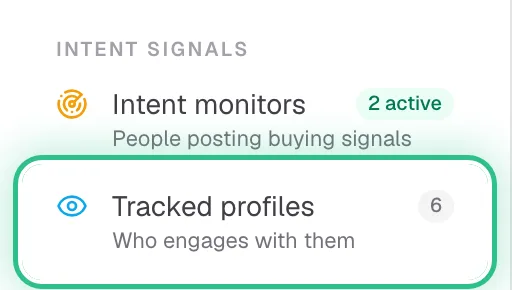
The menu with Tracked profiles ringed under Intent Signals - Step 2 of 4
Click Add source, paste a LinkedIn profile URL, click Verify, then Add source.
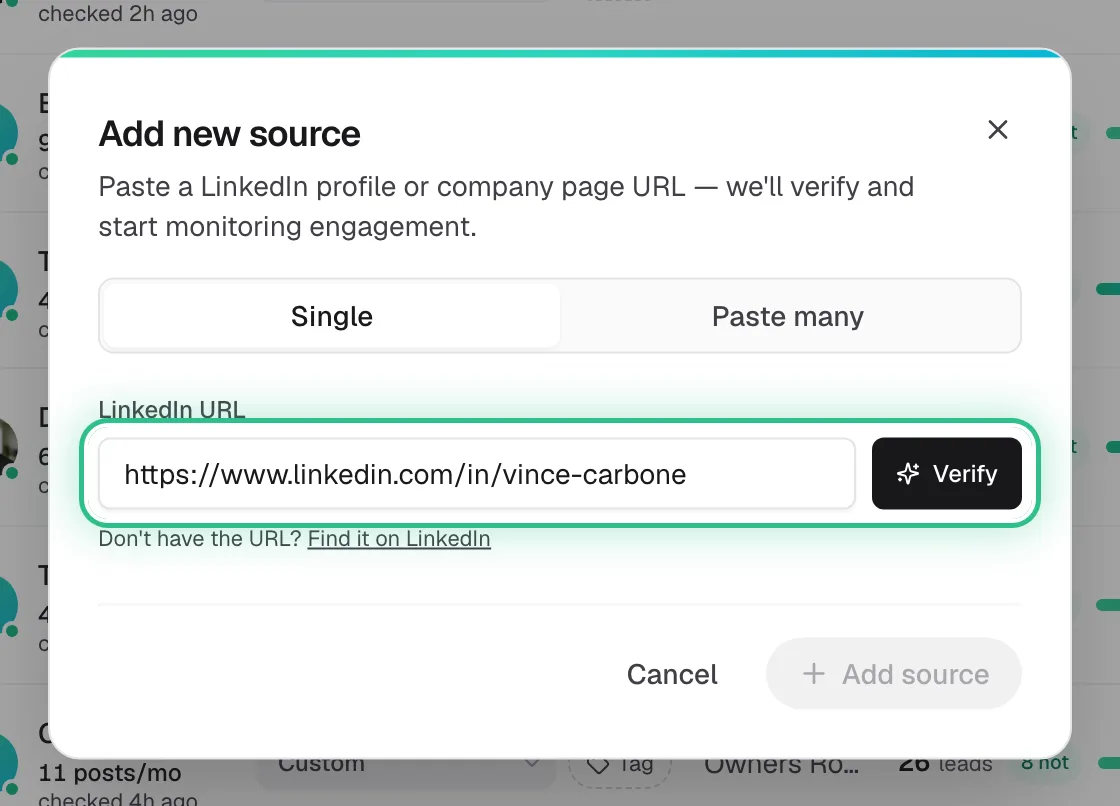
The Add new source window with a LinkedIn URL pasted and Verify ringed - Step 3 of 4
Sort them with the tabs: Competitors, Teammates, Investors, Custom.
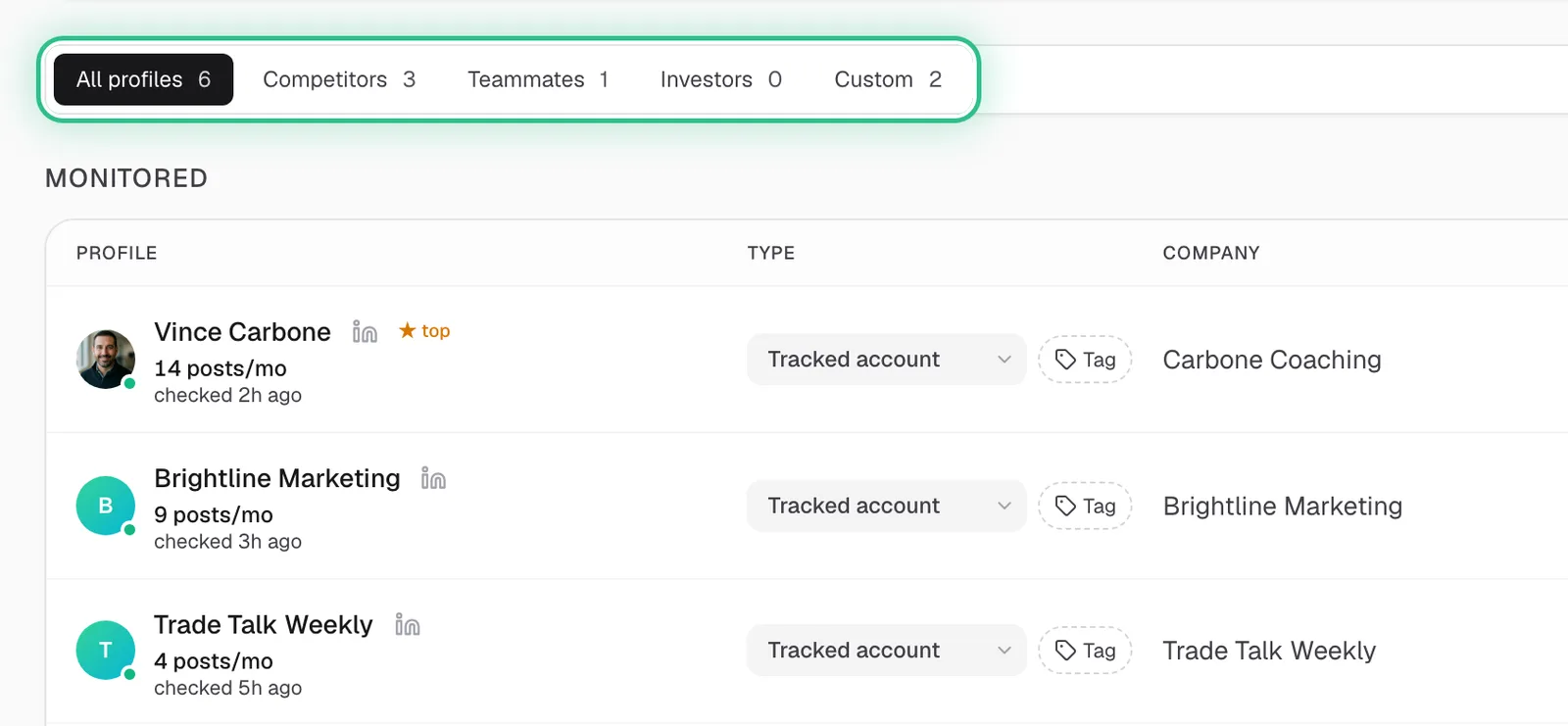
The tabs above the tracked profiles, ringed: All profiles, Competitors, Teammates, Investors and Custom - Step 4 of 4
Click any post under Recent posts to see the leads it found and why each one scored the way it did.
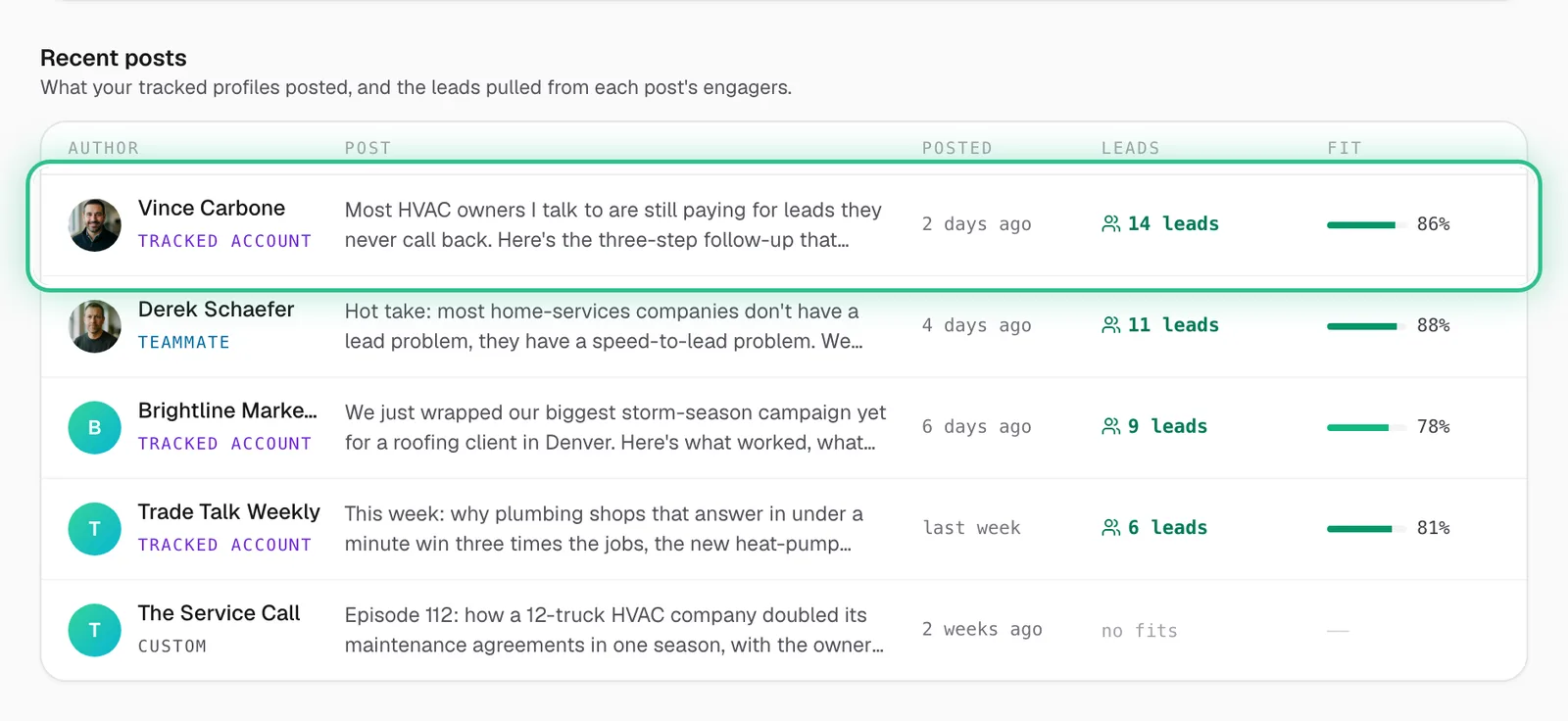
Recent posts from tracked profiles, with a post that found 14 leads ringed
Good to know
- Engagers aren't scored until your targeting is saved — set that first.
- Pick voices your buyers actually follow: competitors, niche creators and your own team. A big audience outside your market brings low scores.
- On paid plans you can track as many profiles as you like; profiles that stop producing leads are checked less often on their own.
- On the free trial, posts are read at a gentler pace, so leads from a new profile can take a while to appear.
Ready to try it?
Open Tracked profiles in Saava