Fill in your business profile
What you sell, who it's for, your proof and your voice. Every lead is scored and every AI message is written from this page.
Step by step
- Step 1 of 4
Open Business profile at the bottom of the menu, by Settings.
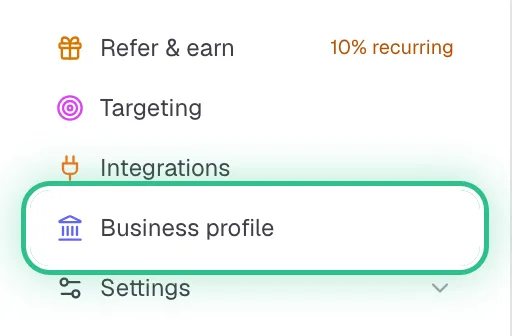
The bottom of the menu with Business profile ringed, just above Settings - Step 2 of 4
Work through its four sections: Company, Ideal customer, Value & proof, and Voice & style.
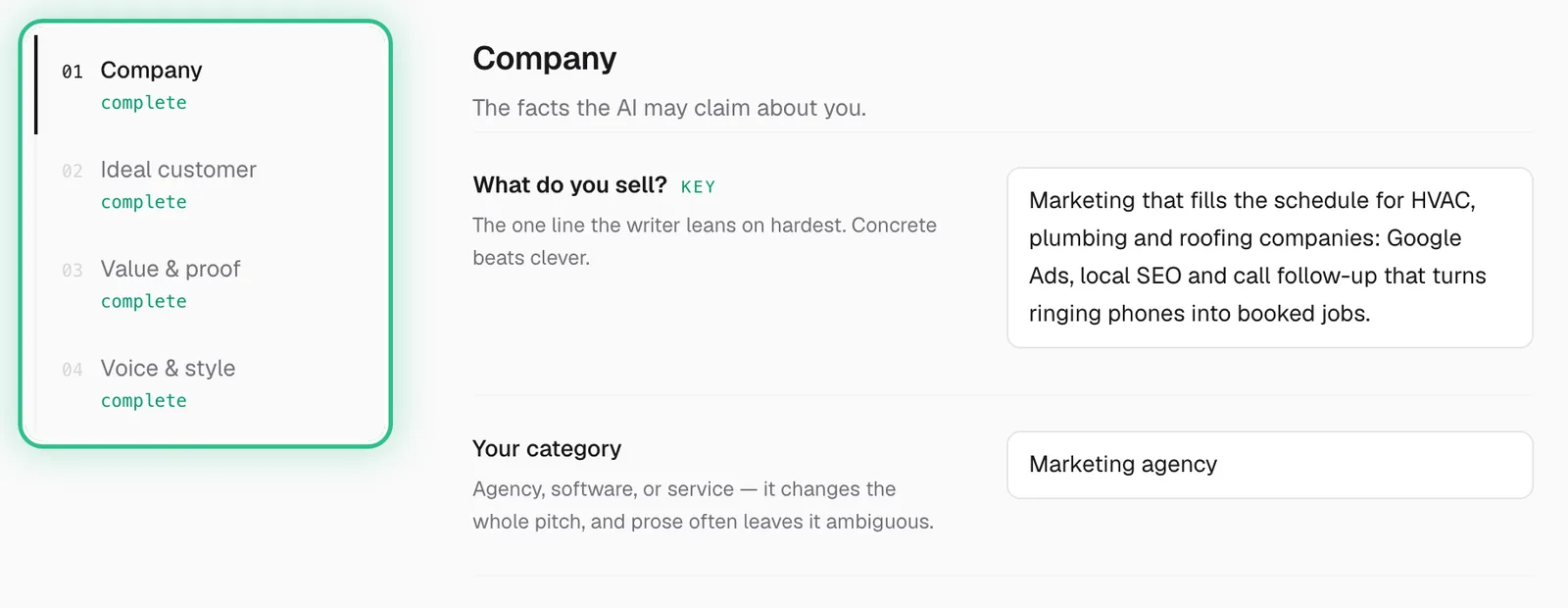
The profile's four sections, Company, Ideal customer, Value & proof and Voice & style, ringed beside the Company section - Step 3 of 4
In Ideal customer, grade your buyers HIGH, MEDIUM and LOW — who's a great fit, who's a maybe, who isn't. The scorer reads it word for word when it grades each lead.
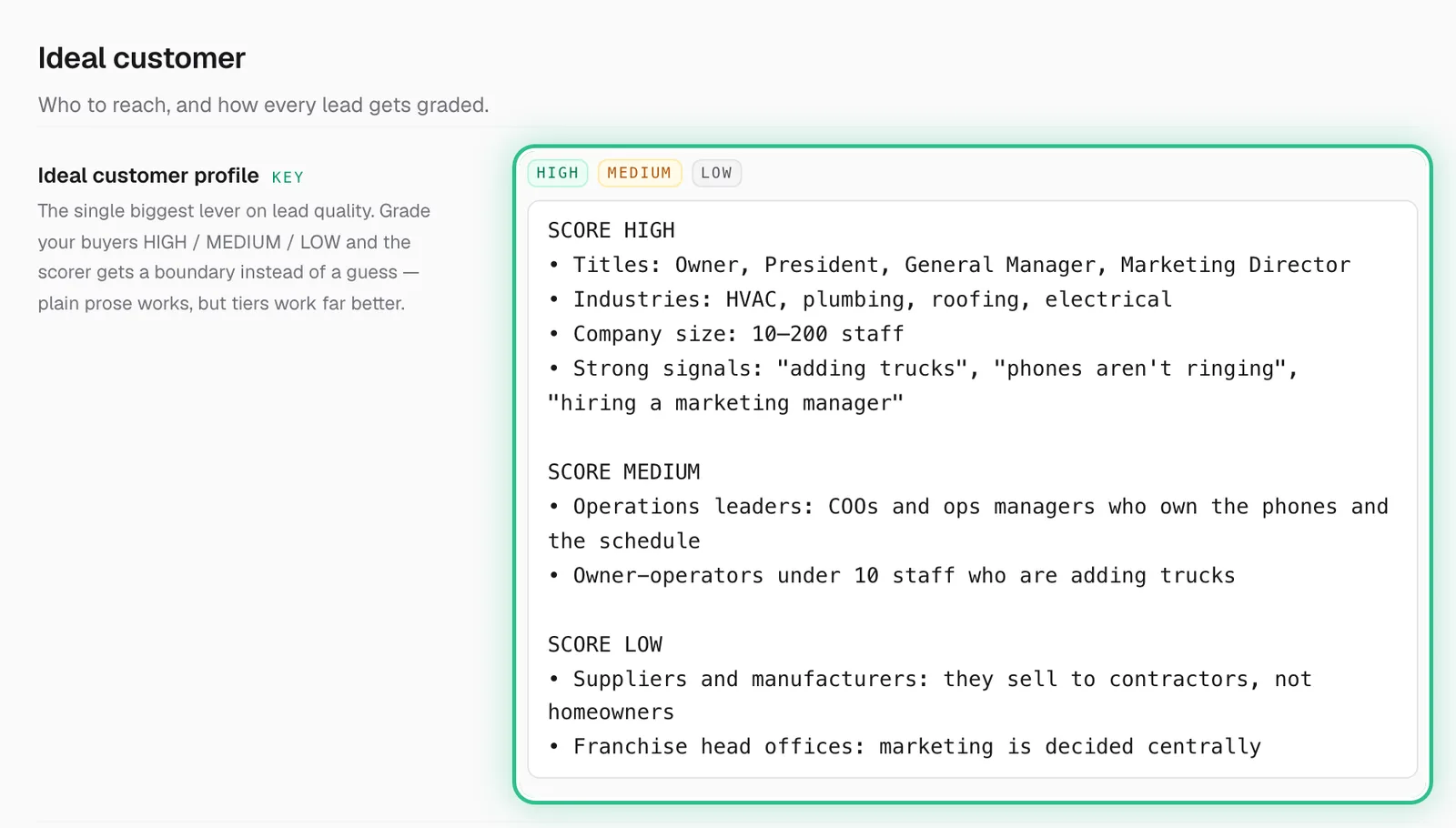
The Ideal customer section with the ideal customer profile ringed, graded SCORE HIGH, SCORE MEDIUM and SCORE LOW - Step 4 of 4
Add real proof points (results, customers, numbers) under Value & proof, and how you like to sound under Voice & style.
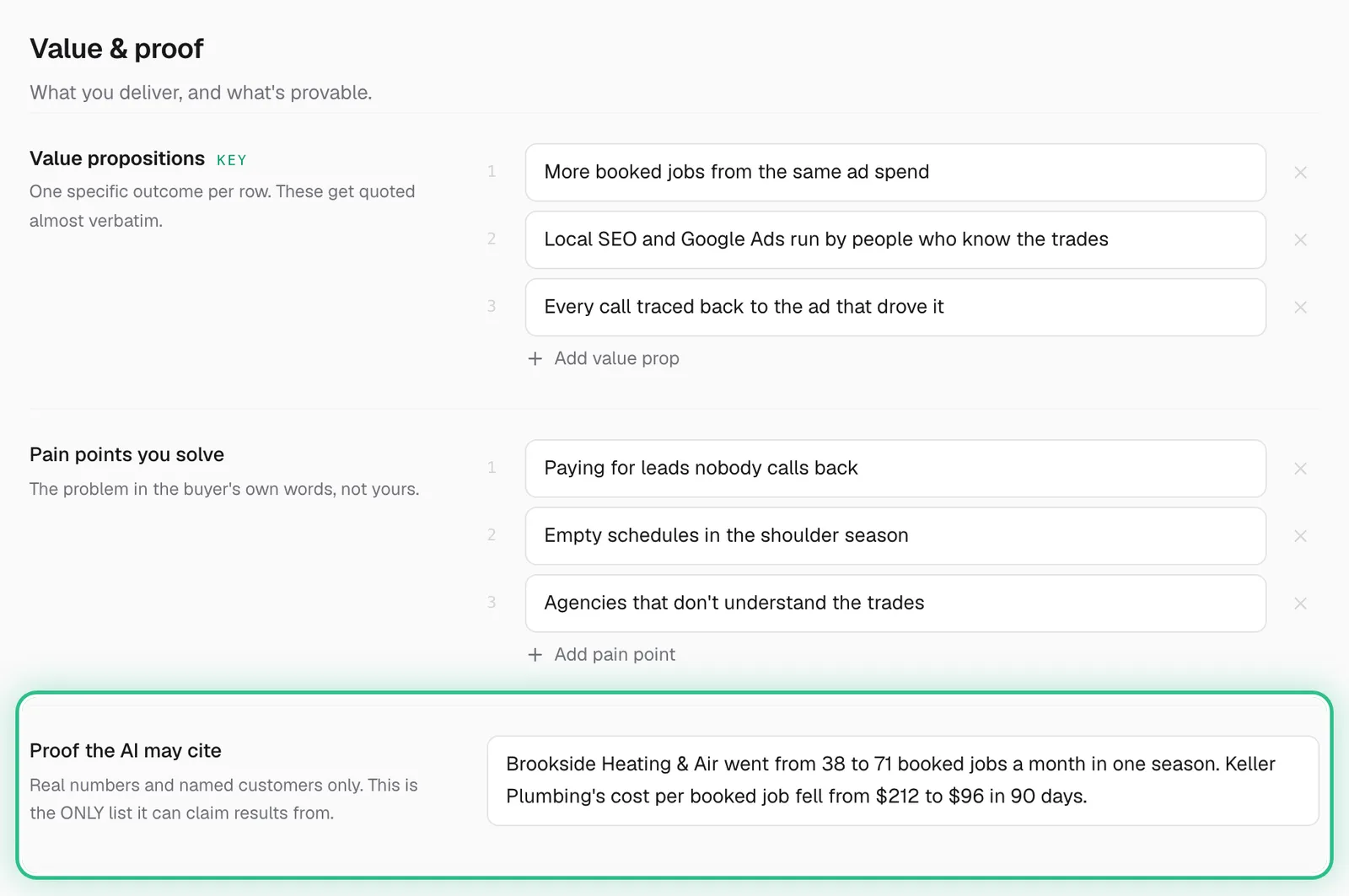
The Value & proof section with Proof the AI may cite ringed, holding real results from named customers
Good to know
- A thin profile produces generic messages. If it isn't on this page, the AI won't say it.
- Be as clear about who is NOT a fit as who is — it's just as useful to the scorer.
- Changing who you sell to here also changes how your existing leads score, so revisit it when your focus shifts.
Ready to try it?
Open Business profile in Saava