Search for leads when you need them
Standard search pulls people who match your targeting from millions of profiles, ranked by fit. Intent Search finds the ones showing buying signals right now.
Watch them first
Step by step
- Step 1 of 5
Open Search, the first item under Lead Search in the menu.
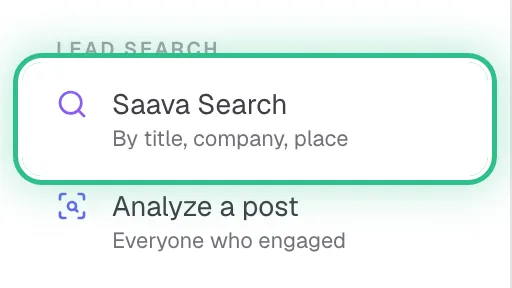
The menu with Saava Search ringed under Lead Search - Step 2 of 5
Standard search: under Who to look for, pick the targeting to search with, set How many leads, and add any Dealbreakers that must match.
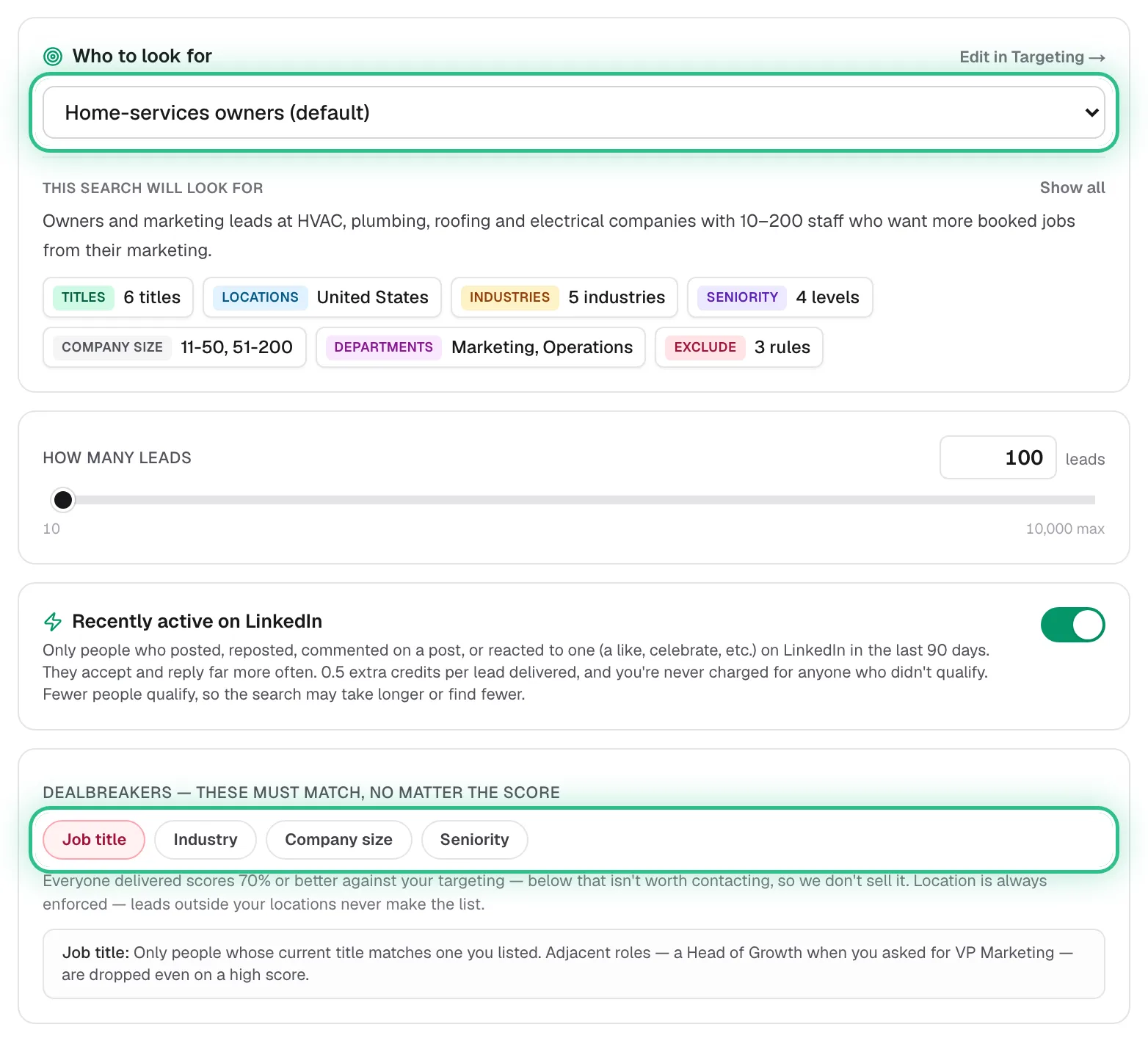
The Standard search form with the targeting picker and the Dealbreakers ringed - Step 3 of 5
Under Save these leads to, pick a list or make a new one, then click Find leads and review the ranked results.
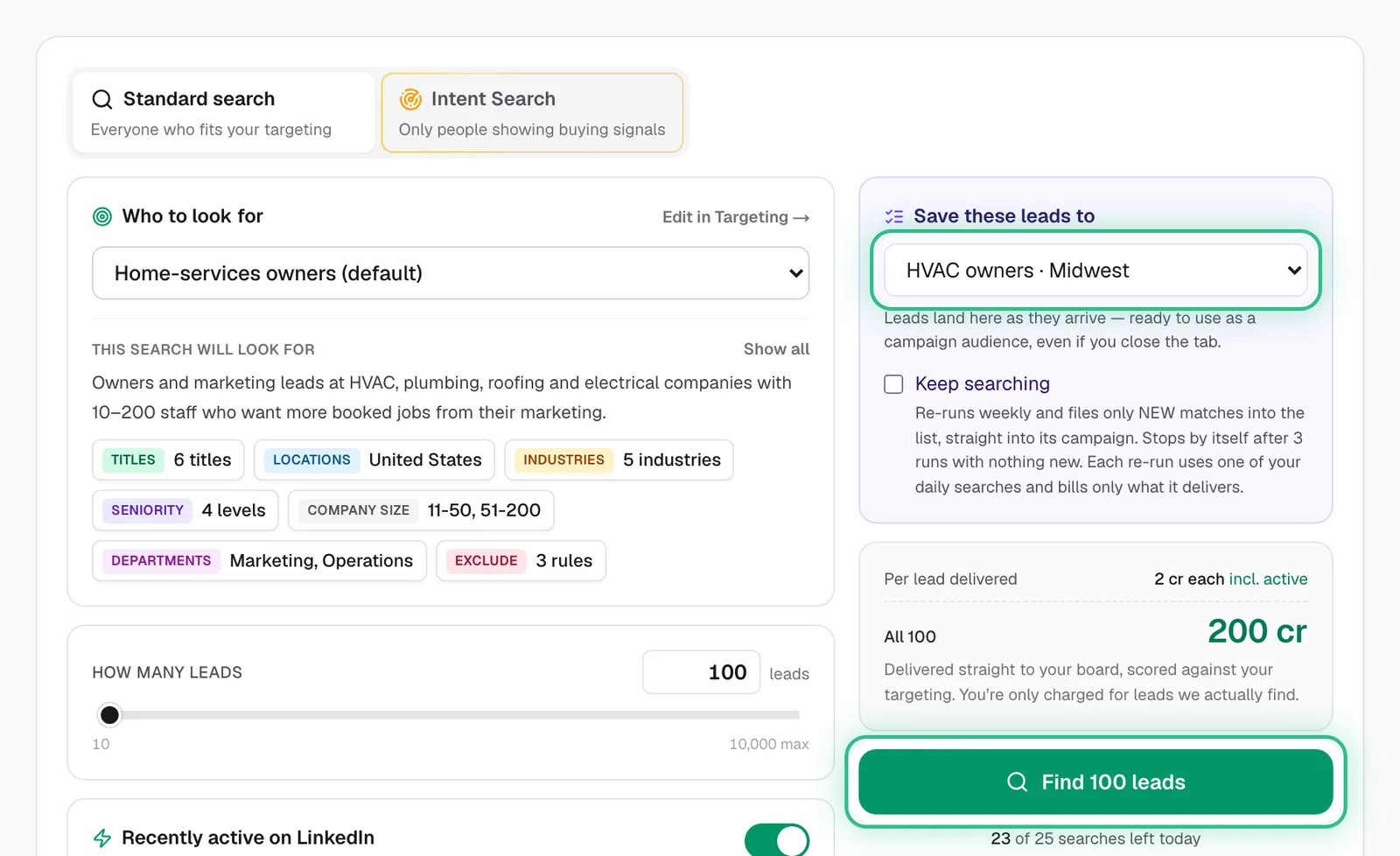
The Search page with the Save these leads to list and Find 100 leads ringed - Step 4 of 5
Tick Keep searching to re-run it every week and add new matches to the list.
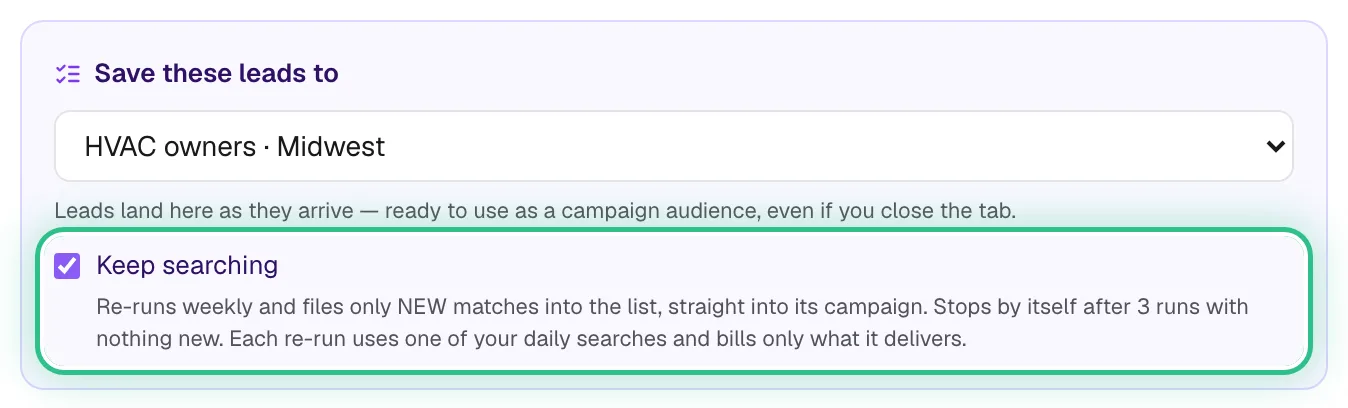
The Save these leads to panel with Keep searching ticked and ringed - Step 5 of 5
Intent Search: switch to it at the top, say in your own words who you want and what they should be doing, then approve the search.
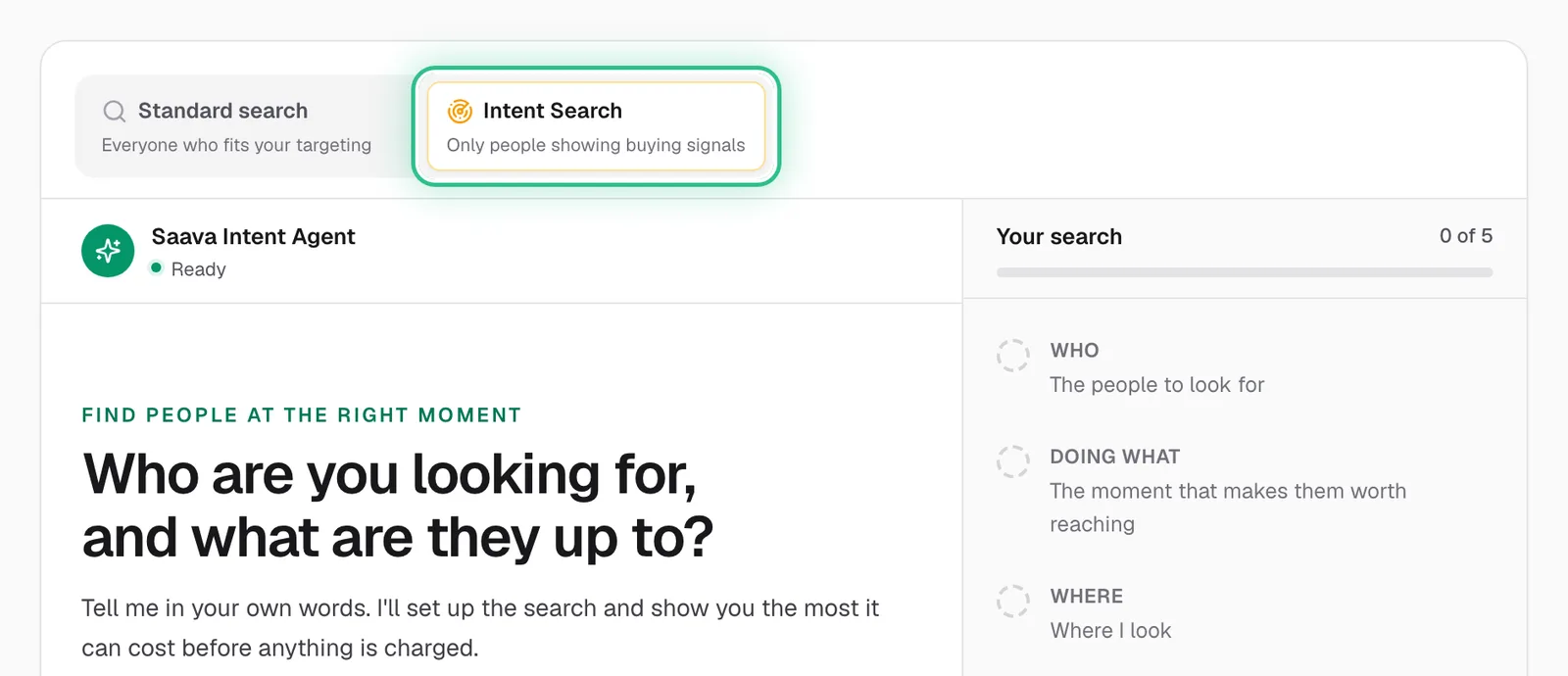
Intent Search ringed at the top of the Search page, with the Intent Agent asking who you're looking for
Good to know
- Dealbreakers must match no matter the score — use them for things like job title or seniority. Location is always enforced, and everyone delivered scores 70 or better.
- Standard search costs 1.5 credits for each lead it delivers, plus 0.5 with Recently active on LinkedIn switched on. You're only charged for leads it finds.
- Intent Search is on paid plans and costs 8 credits a lead found. Every lead fits your targeting at 70 or better and comes with the proof behind it, and nothing is charged until you approve.
- Keep searching stops by itself after 3 runs with nothing new, and each re-run uses one of your daily searches.
- Daily searches: 3 on the trial, 5 on Starter, 25 on Growth, 60 on Scale. Extra searches cost 5 credits.
Ready to try it?
Open Search in Saava