Rent extra LinkedIn accounts
Send more per day without using more of your own profiles. Rented accounts are warmed up and connected for you.
Step by step
- Step 1 of 3
Click Rent LinkedIn accounts at the bottom of the menu.
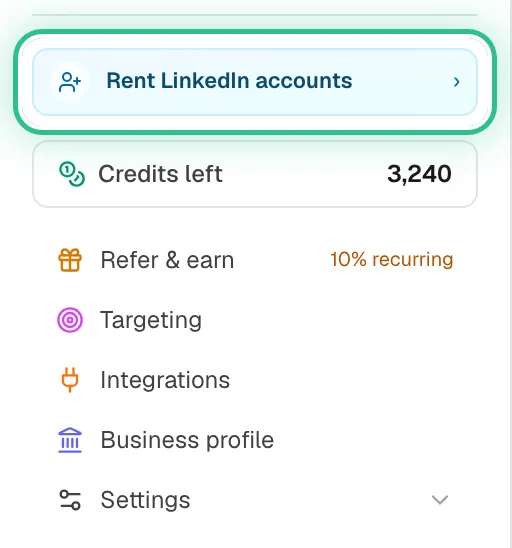
The bottom of the menu with Rent LinkedIn accounts ringed - Step 2 of 3
Tell us how many you need and who they should look like.
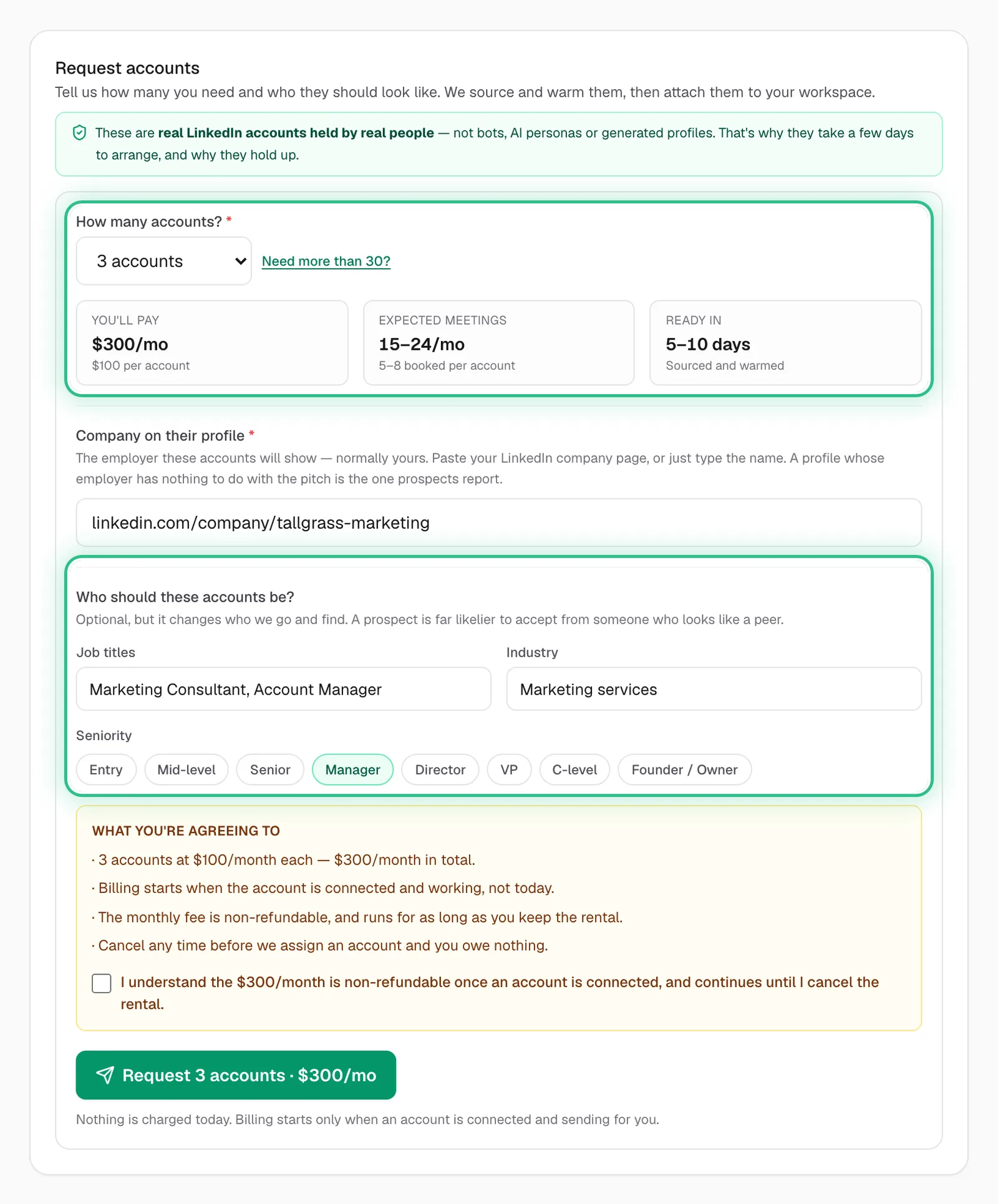
Request accounts with How many accounts and Who should these accounts be ringed - Step 3 of 3
We warm them up and connect them for you, and they join your other sending accounts.
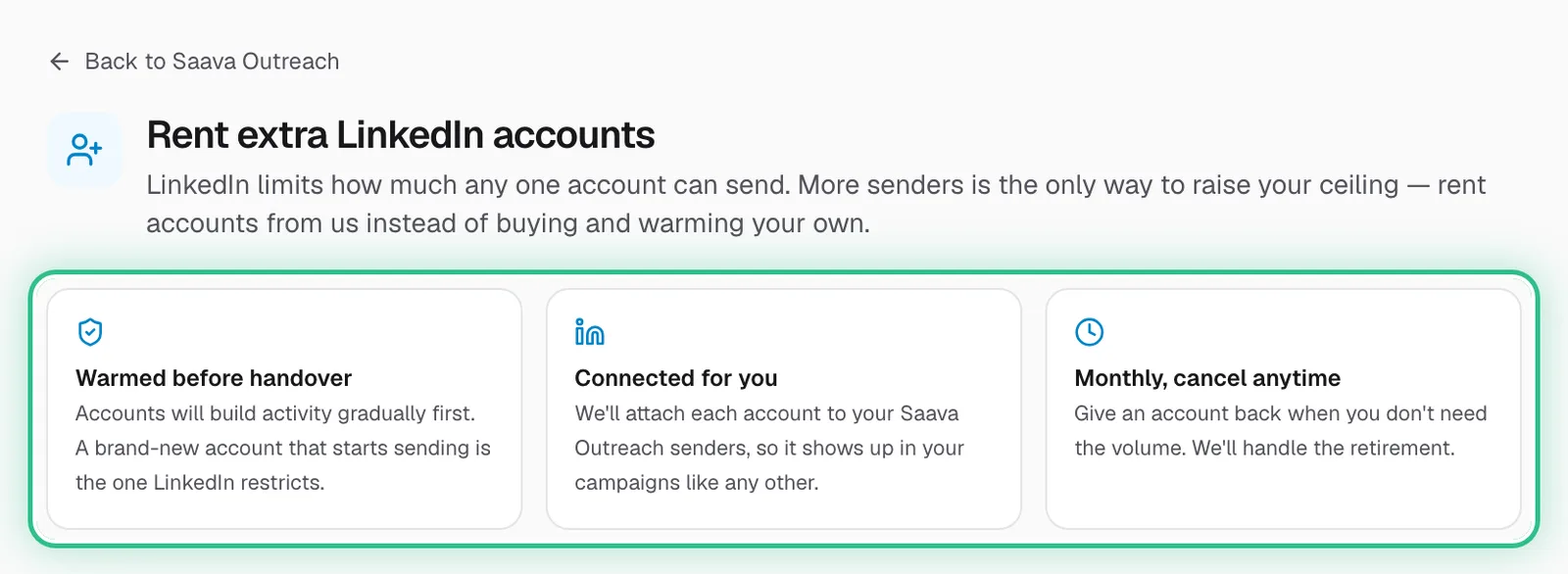
Rent extra LinkedIn accounts with Warmed before handover, Connected for you and Monthly, cancel anytime ringed
Good to know
- Monthly, cancel any time.
- Every account has its own daily limit, so more accounts means more sends a day.
Ready to try it?
Rent accounts in Saava