Work your leads board
Every qualified lead in one place, scored against your targeting, with the reason behind each score.
Step by step
- Step 1 of 4
Open Leads in the menu. Leads are sorted by fit.
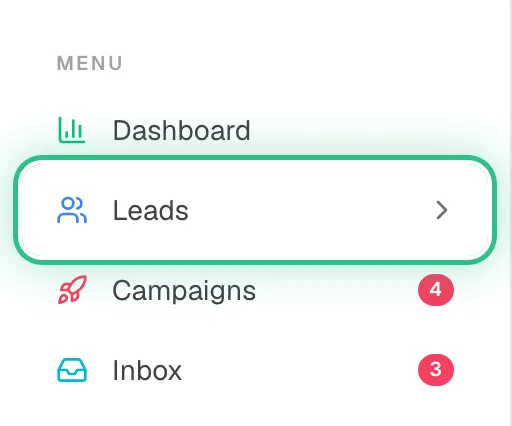
The menu with Leads ringed - Step 2 of 4
Click a lead to see why it's a good lead and what they engaged with.
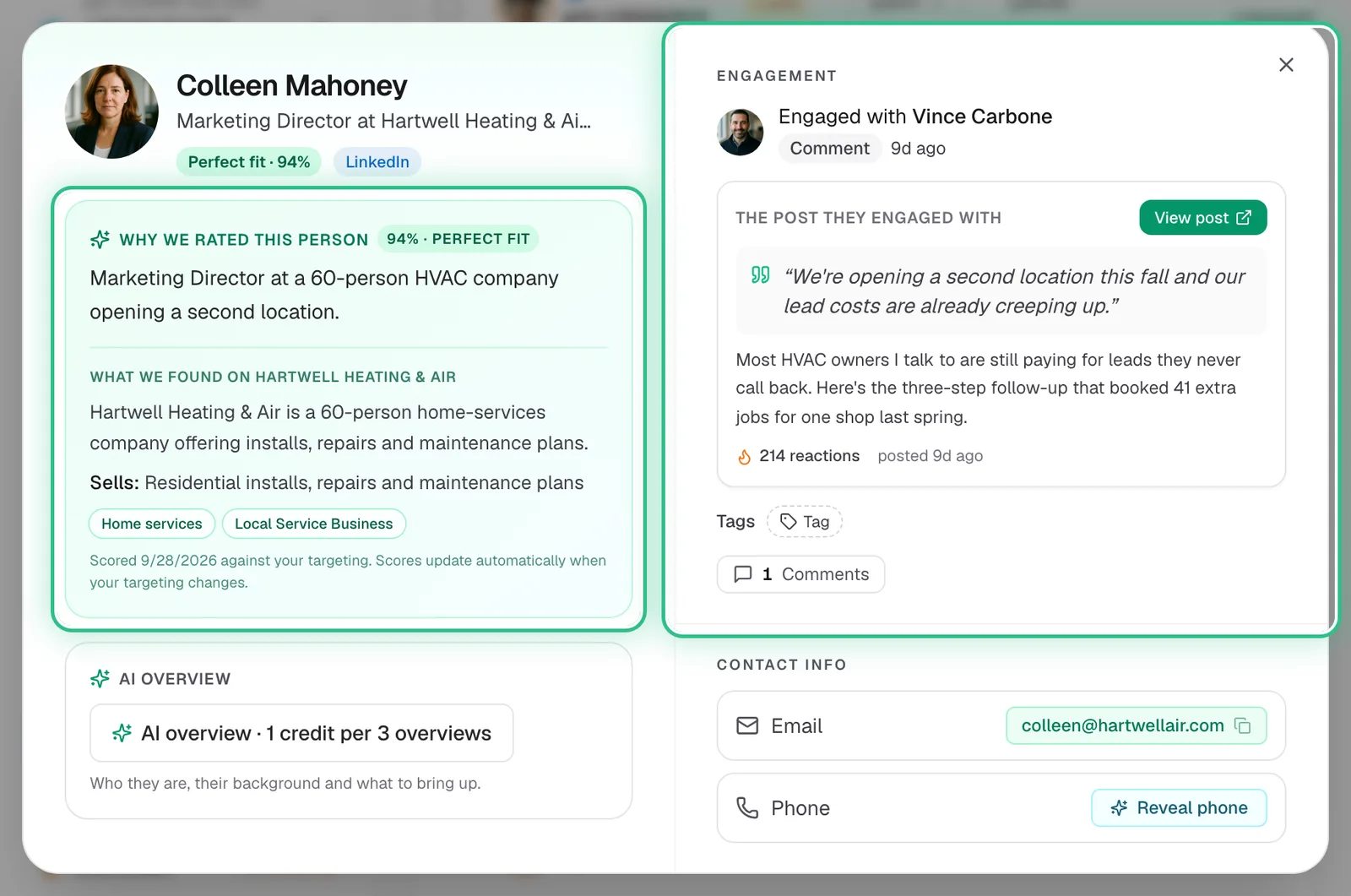
A lead opened from the board, with why we rated this person and what they engaged with ringed - Step 3 of 4
Narrow the board with search and filters: fit range, date added, targeting profile, list.

The search and filters above the board: fit score, date added, targeting and list, ringed - Step 4 of 4
Select leads to Add to list, Enrich, or Push to a campaign or another tool.
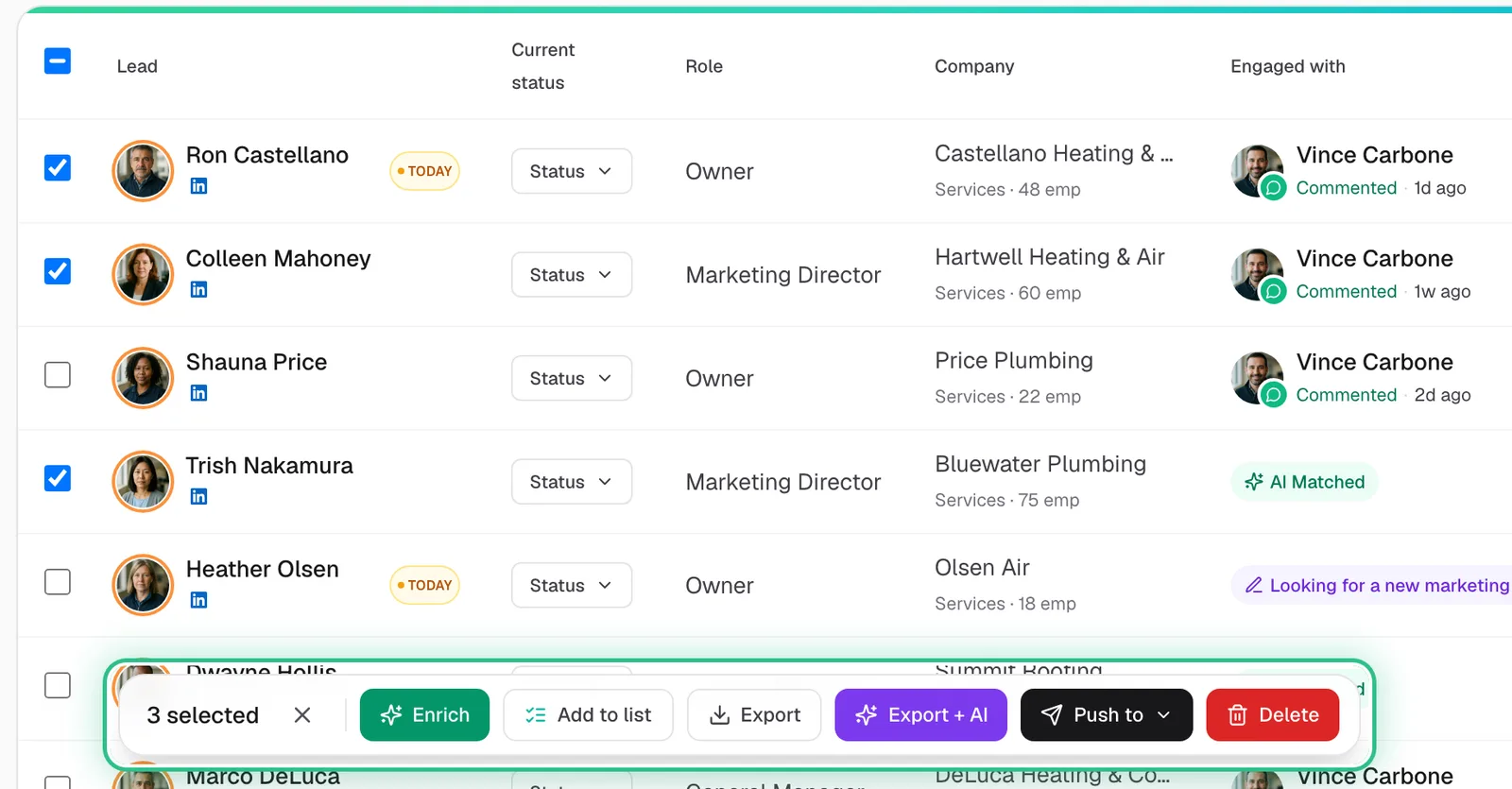
Three leads ticked on the board and the bar that appears, with Enrich, Add to list and Push to, ringed
Good to know
- Fit bands: 90+ is a perfect fit, 75–89 strong, 70–74 good, and under 70 low. Very weak matches we find are dropped before they reach your board.
- Snooze, Bad fit and Mark as client move a lead off your active board.
- The reason under each score is the quickest way to spot targeting that's off. If good people score low, fix your targeting or business profile.
Ready to try it?
Open Leads in Saava