Connect your LinkedIn account
Campaigns send from the LinkedIn accounts you connect, each with its own daily limit.
Step by step
- Step 1 of 4
Go to Integrations → LinkedIn Outreach, or the LinkedIn Accounts tab under Campaigns.

The Campaigns page tabs with LinkedIn Accounts ringed - Step 2 of 4
Click Add LinkedIn account, sign in, and click Connect securely.
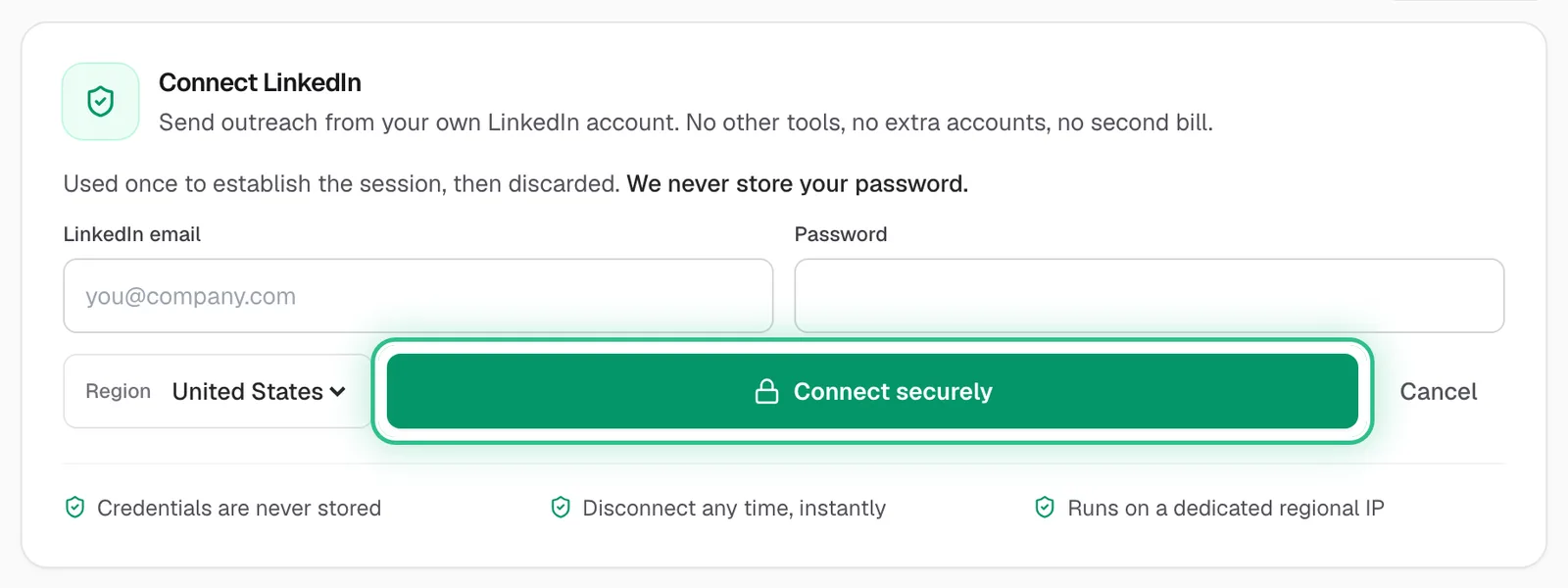
The Connect LinkedIn form with your LinkedIn email and password, and Connect securely ringed - Step 3 of 4
If LinkedIn sends you a verification code, enter it when asked.
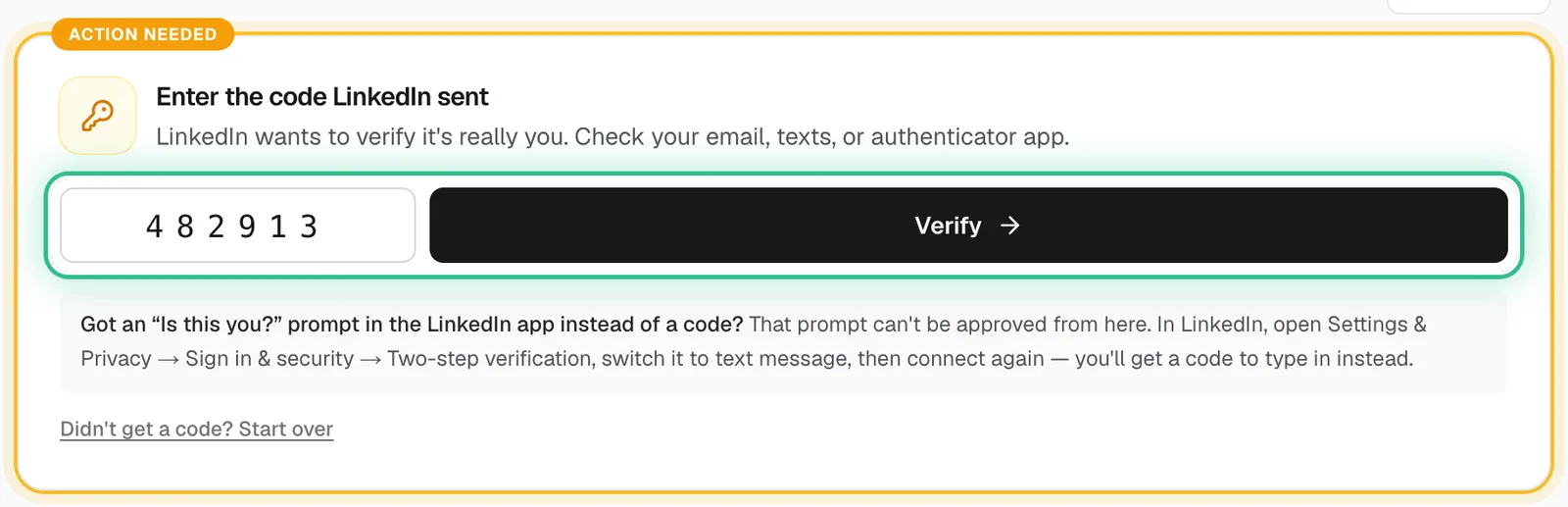
Enter the code LinkedIn sent, with the code box and Verify ringed - Step 4 of 4
Set the account's daily sending limits.
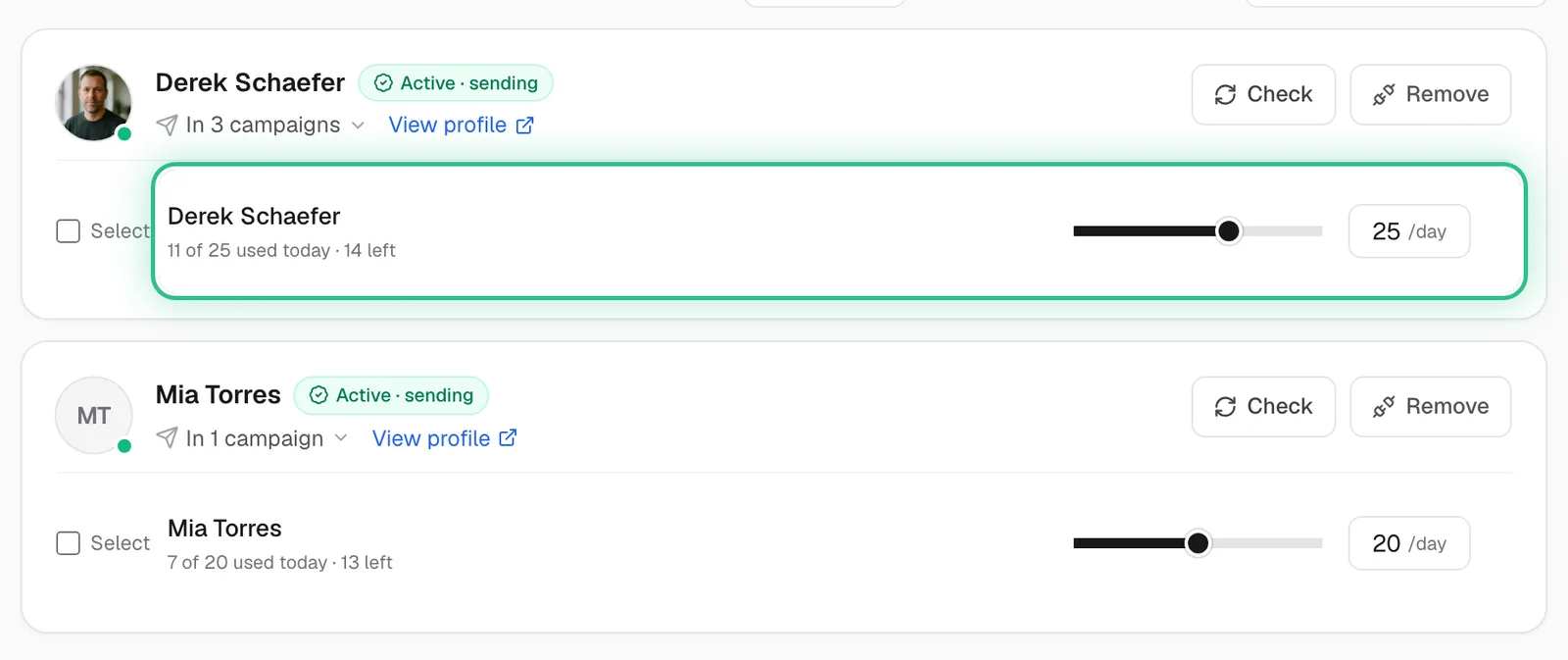
Connected LinkedIn accounts, each with its own daily limit, with 25 a day ringed on the first
Good to know
- Daily limits of 20–30 are the safe band. Setting a limit to 0 pauses that account.
- Need to send more per day? Connect more accounts, or rent extra ones with Rent LinkedIn accounts at the bottom of the menu.
- LinkedIn accounts per plan: 1 on Starter, 3 on Growth, 15 on Scale. A trial gets as many as the plan it's trialing, or 1.
Ready to try it?
Open LinkedIn accounts in Saava