Pull leads from one LinkedIn post
Paste a post and everyone who reacted or commented is scored against your targeting. The good fits land in a list named after the post.
Step by step
- Step 1 of 3
Open Analyze a post under Lead Search in the menu, or click Analyze post on the Tracked profiles page.
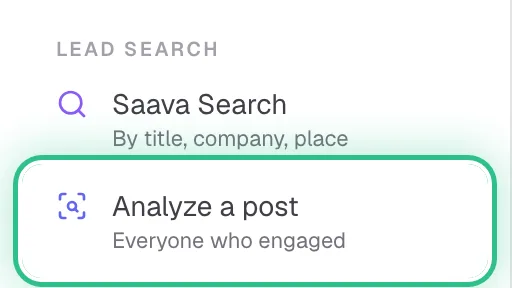
The menu with Analyze a post ringed under Lead Search - Step 2 of 3
Paste a link to the post. On LinkedIn, open the post's ••• menu and choose Copy link to post.
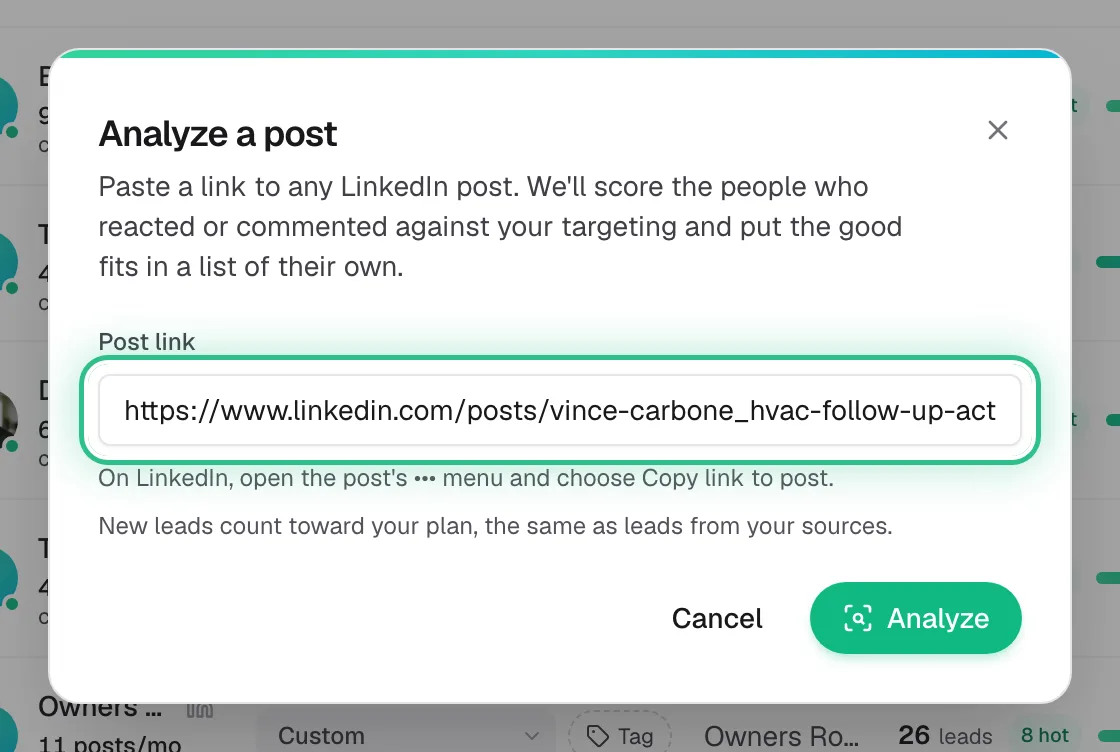
The Analyze a post window with a LinkedIn post link pasted into Post link, ringed - Step 3 of 3
Click Analyze. Leads appear over the next few minutes in a new list named after the post.
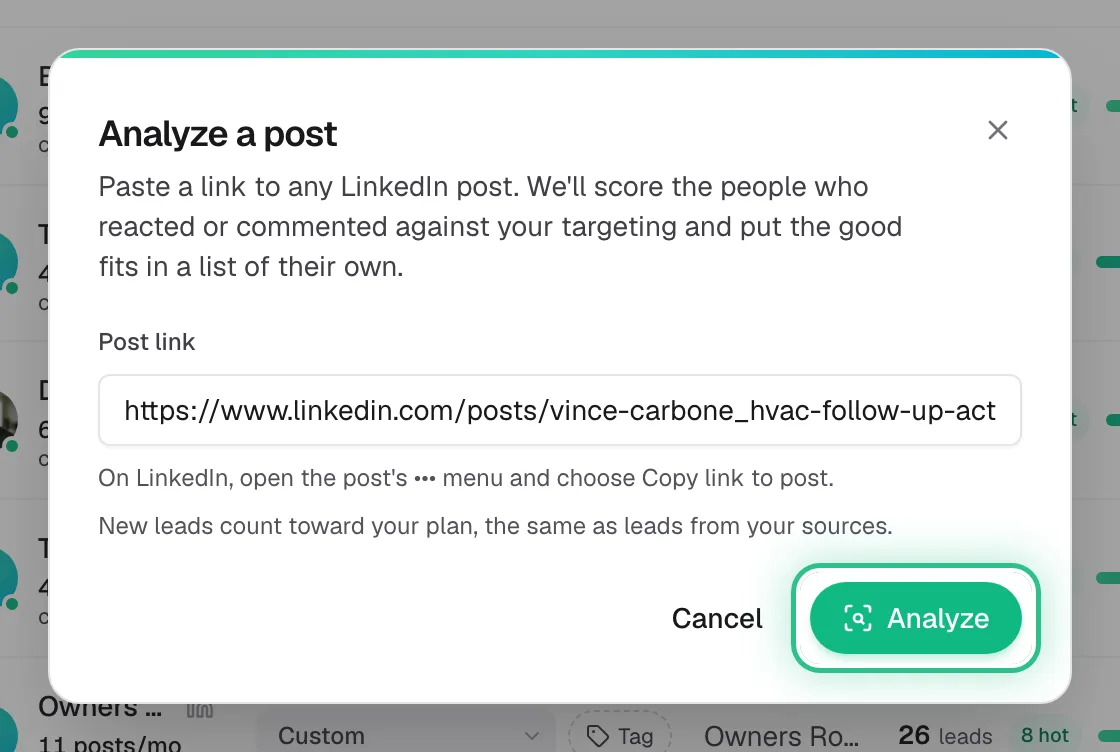
The Analyze a post window with the Analyze button ringed
Good to know
- New leads count toward your plan, the same as leads from your tracked profiles.
- Analyzing the same post again adds any new people to its list instead of making a second one.
- Want every post someone writes? Track their profile instead.
Ready to try it?
Analyze a post in Saava