Invite your team
Work the same leads, lists and campaigns together.
Step by step
- Step 1 of 2
Open Settings → Invite team.
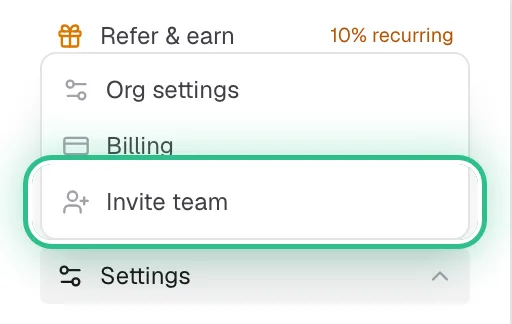
The Settings menu open with Invite team ringed - Step 2 of 2
Enter their email and click Send invite.
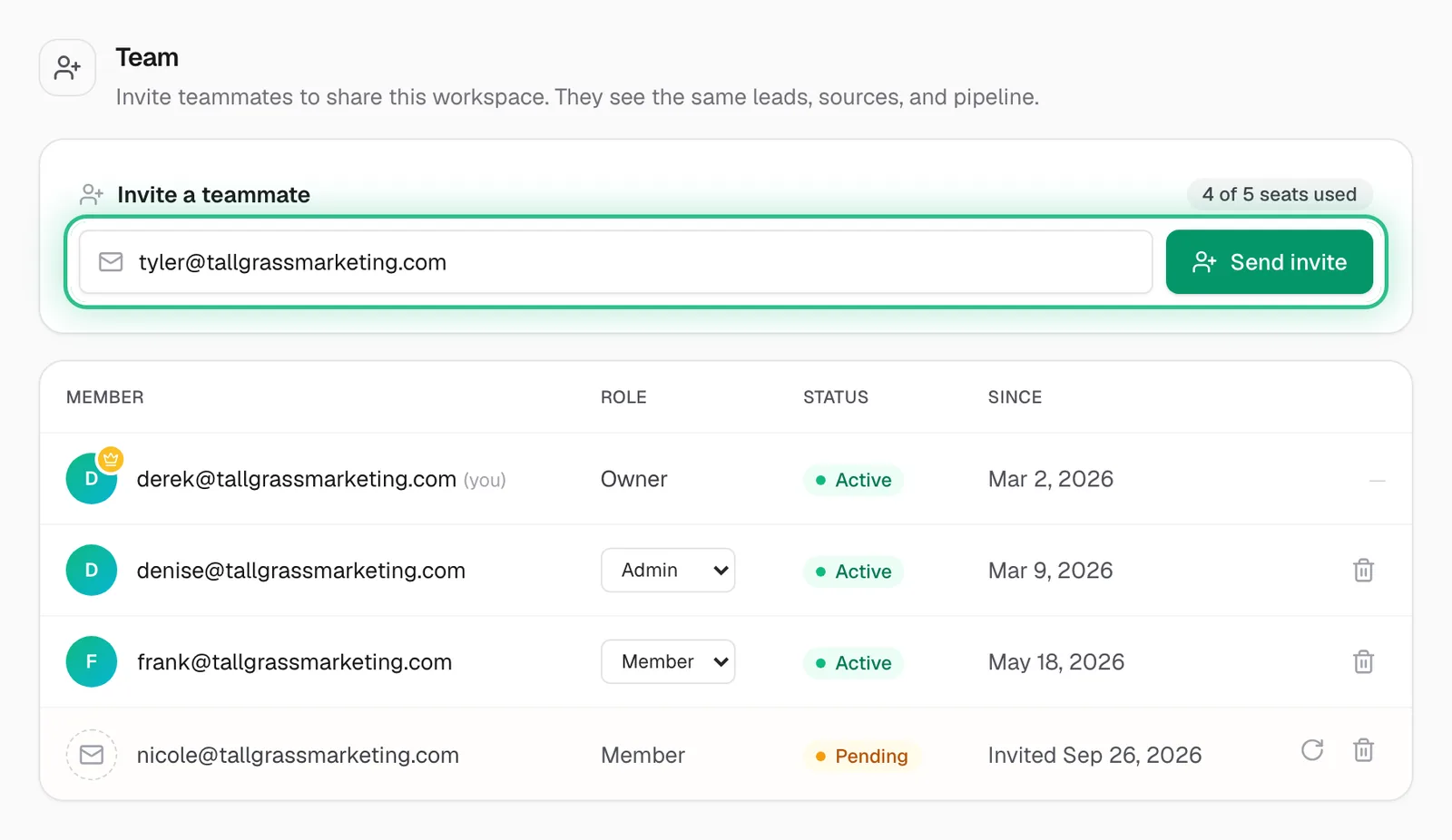
Team settings with a teammate's email typed in and Send invite ringed, above the members and a pending invite
Good to know
- Seats per plan: 2 on Starter, 5 on Growth, 10 on Scale.
Ready to try it?
Open Team settings in Saava